
.avif)
Key Takeaways
Managing online orders becomes increasingly difficult when menus, delivery coordination, POS syncing, customer communication, and third-party ordering channels are handled across disconnected systems.
To help simplify the decision, we compared five widely used online ordering systems for restaurants across order management, delivery coordination, POS integration, customer ownership, and pricing.
Each platform is scored against the same framework, making it easier to compare operational strengths, long-term value, and the trade-offs that matter most for your restaurant.
Ever had three delivery tablets ringing at once while your kitchen staff tries to figure out which order belongs where? That’s what happens when delivery, pickup, and online orders come in across multiple disconnected channels.
You’ll agree that as more restaurants expand beyond their four walls, managing all of it efficiently, without losing margin or dropping the ball on customer experience, has become a real operational challenge.
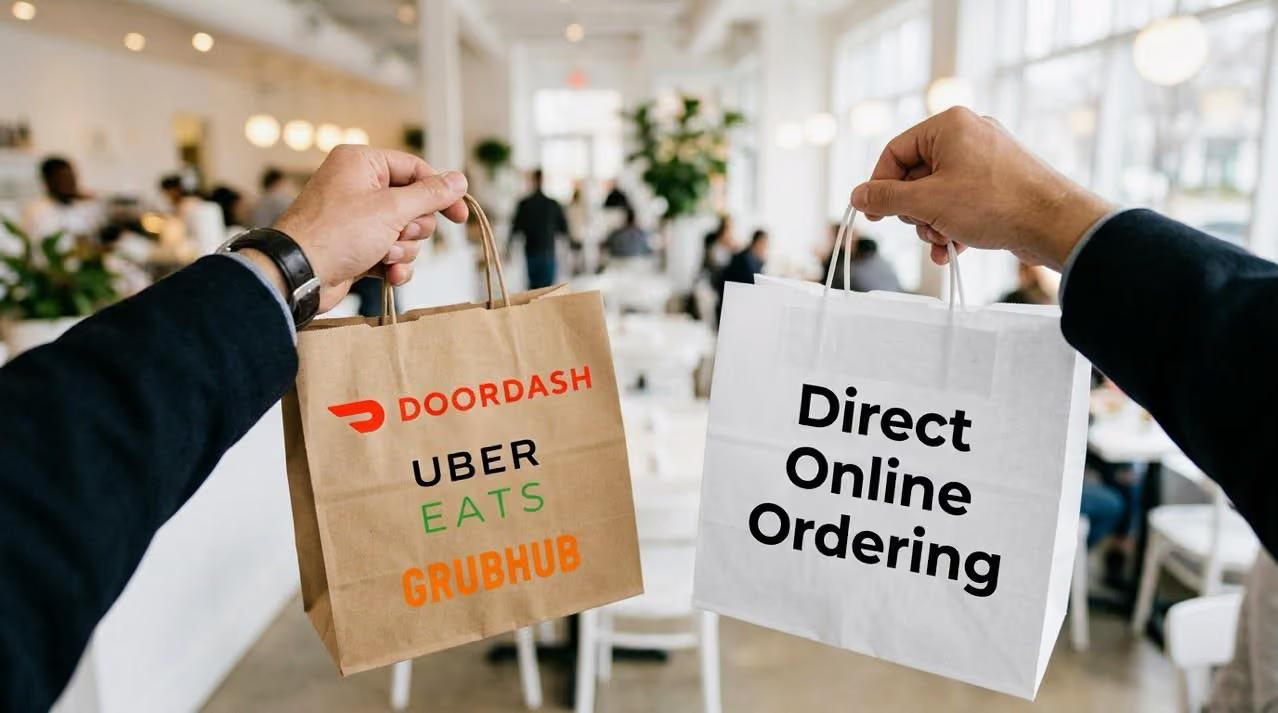
Here’s the thing: 67% of an average restaurant’s revenue now comes from food orders placed online or over the phone. Meaning, the channel you own matters more than ever.
With the right online ordering system, you can manage orders, coordinate deliveries, update menus, and track customer data centrally.
In this guide, we put five of the best online ordering systems for restaurants head-to-head, so by the end, you’ll know exactly which one is right for you.
What Features Matter Most in an Online Ordering System for Restaurants?
Not every online ordering system solves the same problem. Some platforms are better suited for direct ordering and customer retention, while others work better for multi-location operations, POS synchronization, delivery coordination, or marketplace integrations.
To compare the tools fairly, we scored each platform across five categories tied directly to how restaurants handle incoming orders, manage fulfillment, and bring customers back for repeat purchases.
Here’s the framework we used throughout this guide:
The evaluation snapshot under each platform reflects how strongly that tool performed across these categories based on its ordering capabilities, integrations, fulfillment flexibility, customer management features, and pricing structure.
How Do the Best Online Ordering Systems for Restaurants Compare?
Here’s a snapshot of the best online ordering systems for restaurants and what each offers:
Which Is the Best Online Ordering System for Restaurants?
Below, you’ll find the best restaurant online ordering systems for different business models, operational needs, and online ordering priorities:
1. Restolabs (Best online ordering system for predictable flat pricing and commission-free growth )
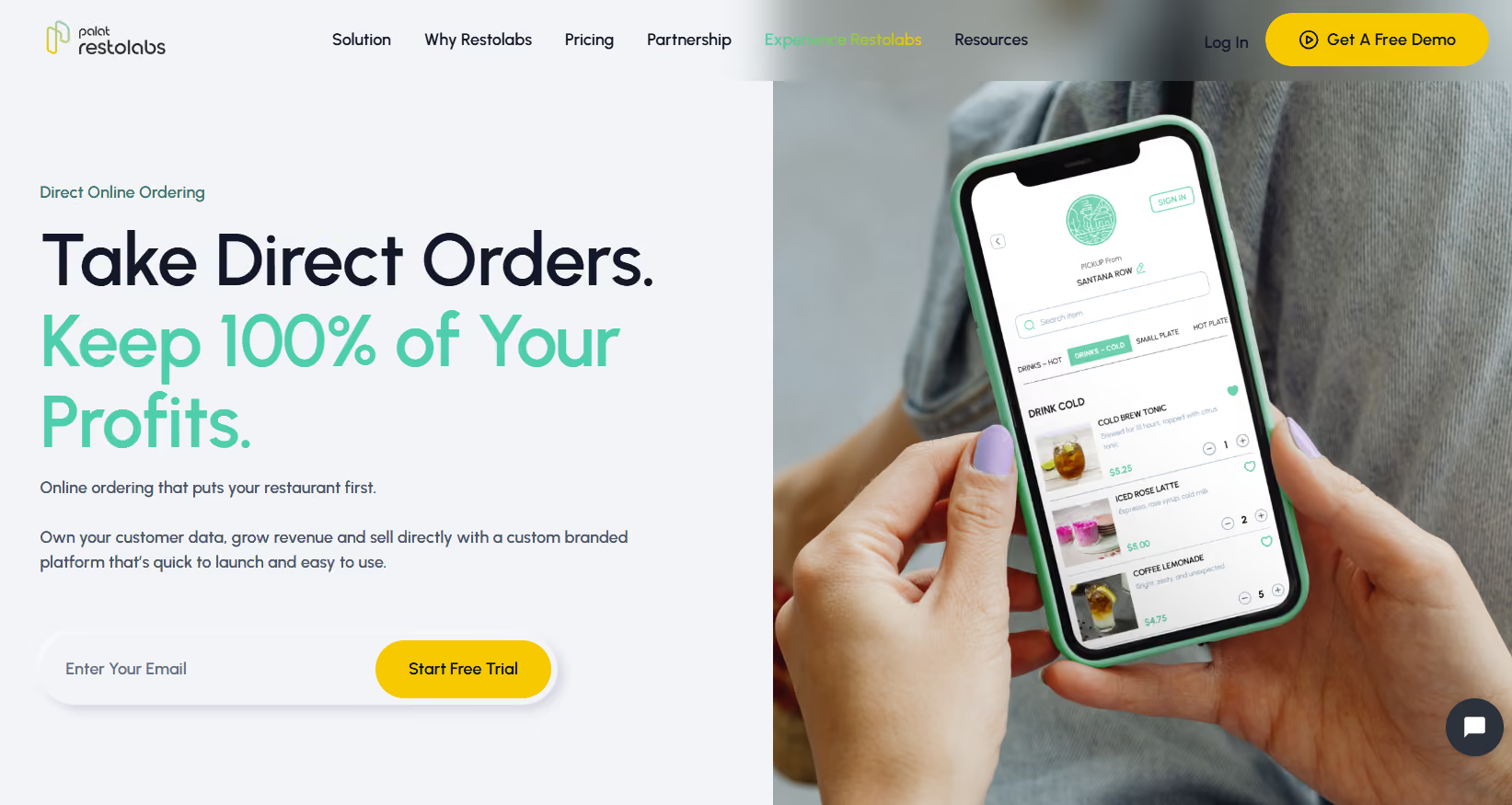
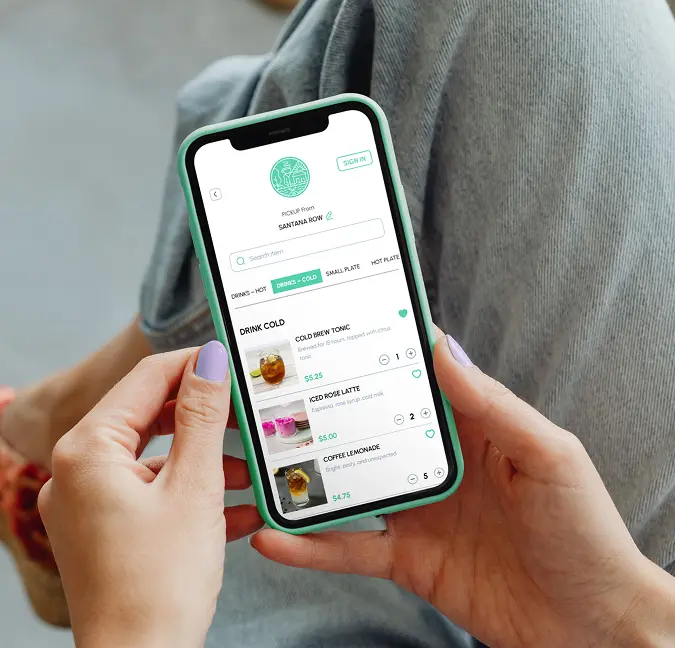
Restolabs is a commission-free online ordering platform built for restaurants that want to grow direct ordering without giving up margins, customer ownership, or brand control.
Unlike marketplace-driven platforms where costs often increase alongside order volume, Restolabs uses a predictable flat monthly pricing model, helping restaurants retain more revenue as direct orders grow.
The platform is designed for restaurants growing direct ordering across pickup, delivery, dine-in, catering, and multi-location operations through white-label ordering experiences, branded mobile apps, and tools built to strengthen operational control and customer relationships.
Restolabs differentiates itself by combining direct ordering, customer retention, and operational flexibility within a single platform, allowing restaurants to scale digital ordering while maintaining stronger control over customer relationships and profitability.
Restolabs key features
Omnichannel ordering
- Manage pickup, delivery, dine-in QR ordering, and catering from one centralized dashboard.
- Support advanced ordering logic including split modifiers, time-based menus, multilingual ordering in 10+ languages, and busy-hour order throttling
Hybrid delivery operations
- Support both in-house delivery fleets and third-party providers including DoorDash Drive, Uber Direct, and Grubhub Connect with exclusive delivery rates.
- Configure custom delivery zones, fees, and automated dispatch workflows from a single platform
POS and operational sync
- Integrate directly with major POS systems including Toast, Clover, Revel, Genius, PAR Pixel and more
- Automatically sync menu and remove sold-out items from online ordering channels in real time
Checkout and payment flexibility
- Deliver frictionless, high-converting checkout experiences across web and mobile ordering from Restolabs integration network of 50+ payment providers including Stripe, Square, Apple Pay, and Google Pay
Customer retention and loyalty
- Capture 100% of customer data to build long-term customer relationships outside third-party marketplaces
- Get detailed reporting on top-selling items, customer behavior, and sales trends to help with data-driven decision-making
- Run loyalty programs with rewards points, push notification campaigns, digital coupons, and gift card promotions directly from the platform
Onboarding and 24x7 support
- Launch quickly with hands-on onboarding support for menu setup, store configurations, integrations, delivery configuration, and full operational setup
Restolabs pricing
Restolabs ratings and reviews
- G2: 4/5
- Capterra: 4.7/5
Restolabs evaluation snapshot (Total Weighted Score : 4.2 )
2. Lunchbox (Enterprise online ordering system for multi-channel order control)
Lunchbox is an enterprise level online ordering system that consolidates orders from your website, mobile app, and third-party marketplaces.
It gives you access to order and customer data for campaign planning and performance tracking, along with support for catering workflows and API-based extensions for connecting ordering with other systems.
When it comes to delivery, you can dispatch through your own drivers or third-party providers, all from within the Lunchbox dashboard.
Lunchbox key features
- Segment customers using order-level data for targeted campaign execution
- Connect with 100+ food tech providers, including loyalty and CRM platforms
- Adjust pricing by store, channel, or item without affecting other ordering sources
- Update menus, locations, and availability in real time across all ordering channels
- Throttle order intake based on time, volume, or order value to manage peak-hour demand
Lunchbox pricing
- Custom pricing
Lunchbox ratings and reviews
- G2: Not enough reviews
- Capterra: Not enough reviews
Lunchbox evaluation snapshot (Total Weighted Score : 3.8)
3. ChowNow (Online ordering system for commission-free direct ordering and distribution)
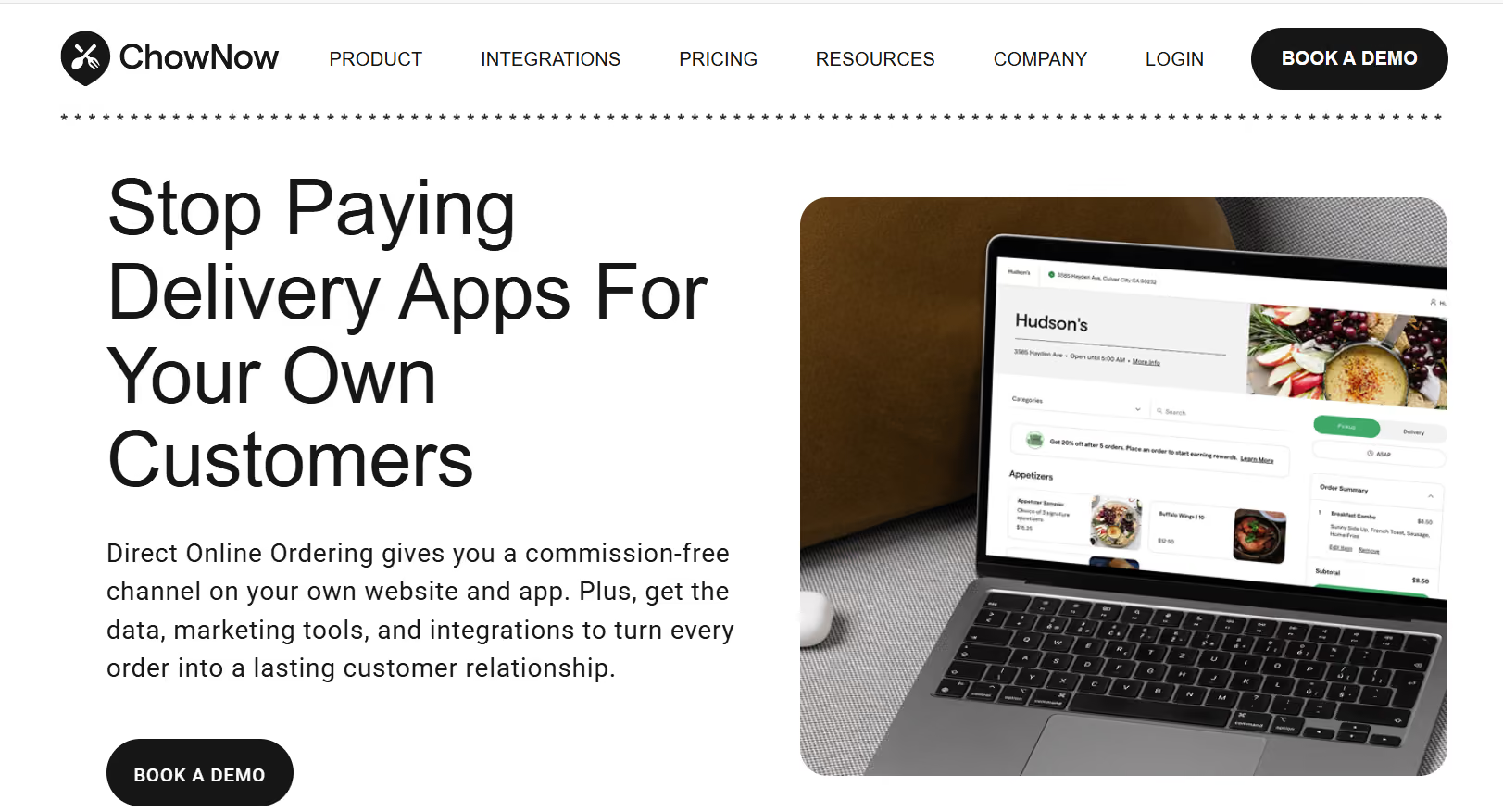
ChowNow is an online ordering tool that lets you accept orders directly without paying per-order commissions. You get a flat monthly pricing model that keeps costs predictable.
The platform keeps your restaurant front and center on your website and branded app, while also listing you across external channels like Google and Yelp so new customers can find and order from you directly.
You can also publish branded mobile apps for your restaurant, with store submission and ongoing maintenance handled by ChowNow.
ChowNow key features
- Monitor cross-channel performance through real-time reporting on platforms, menu items, and ordering trends
- Dispatch delivery through Flex Delivery, which assigns couriers, supports fallback routing, and works with both in-house drivers and third-party fleets
- Automate email campaigns for onboarding, re-engagement, and repeat ordering based on customer activity
- Syndicate menus across discovery platforms such as Yelp, OpenTable, and TripAdvisor to expand ordering access points
- Capture customer data from every order for segmentation and communication
ChowNow pricing
ChowNow ratings and reviews
- G2: 4.6/5
- Capterra: 4.7/5
ChowNow evaluation snapshot (Total Weighted Score : 3.65)
4. Toast POS (Best all-in-one POS and online ordering system for restaurants)
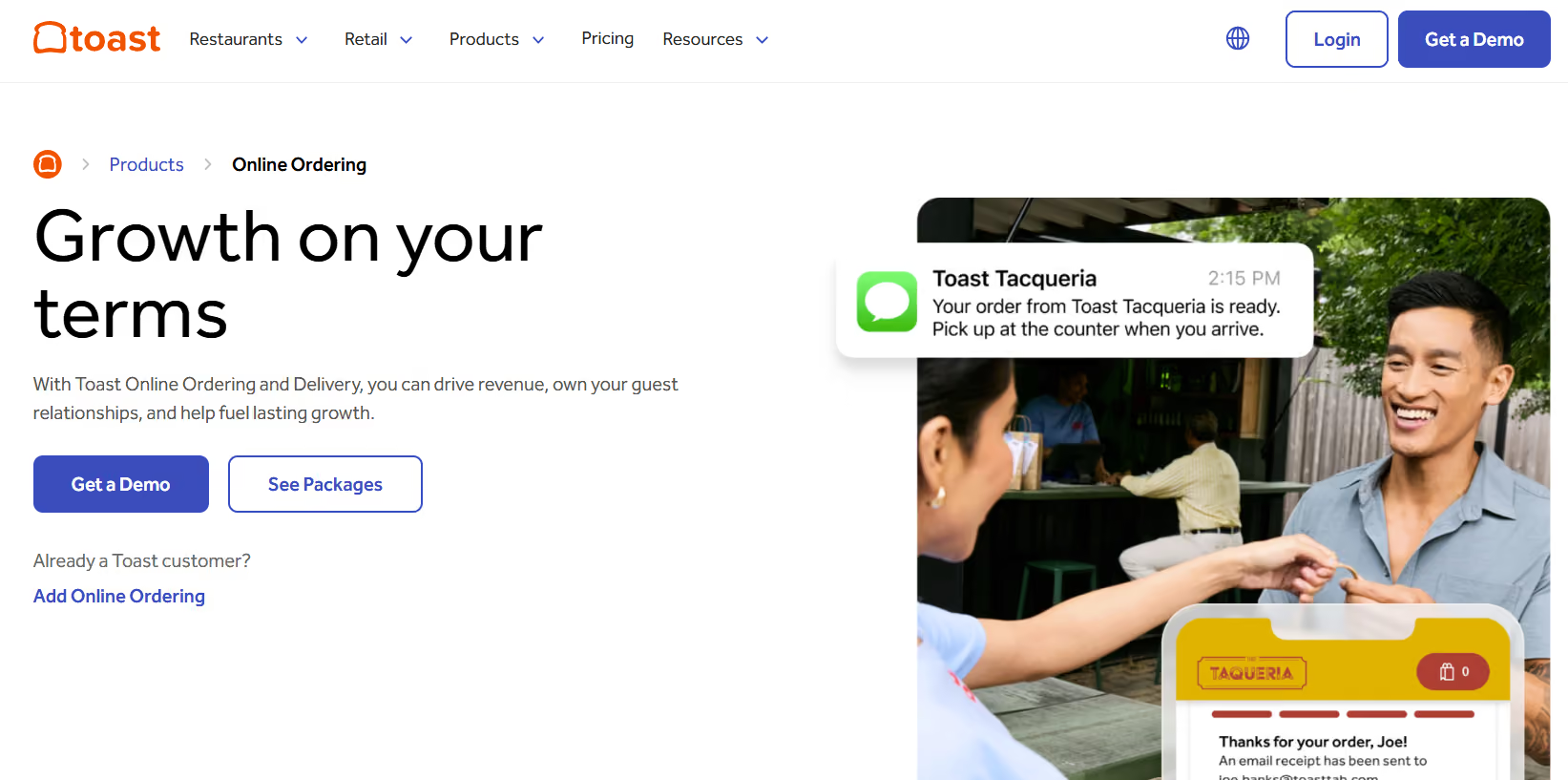
Toast POS is a restaurant management platform that combines online ordering, point-of-sale, and back-of-house operations in one system. Unlike standalone builders, its primary advantage is the direct synchronization with your in-house point-of-sale hardware and kitchen.
When a customer places an order online, it flows directly into your Toast POS and kitchen display screens, no manual entry, no separate tablets.
Your menus, pricing, and inventory updates stay synced across ordering channels and Toast-operated terminals, helping you maintain operational consistency across locations.
Since Toast runs within its own hardware and payments ecosystem, you’ll typically use Toast-approved devices and related operational modules as your setup grows.
Toast POS key features
- Track inventory and push instant menu updates from any device across every ordering channel
- Schedule staff, approve shifts, and run payroll all from the dashboard to reduce admin overhead
- Build a branded online ordering portal that matches your restaurant's look, including custom colors and fonts
- Use guest insights and order history to create targeted email and SMS campaigns that keep customers coming back
- Access third-party delivery networks like DoorDash Drive to fulfill online orders without managing an in-house delivery fleet
Toast POS pricing
Toast POS ratings and reviews
- G2: 4.2/5
- Capterra: 4.2/5
Toast POS evaluation snapshot (Total Weighted Score : 4.1)
5. Flipdish (Best for restaurants wanting a fully managed setup)
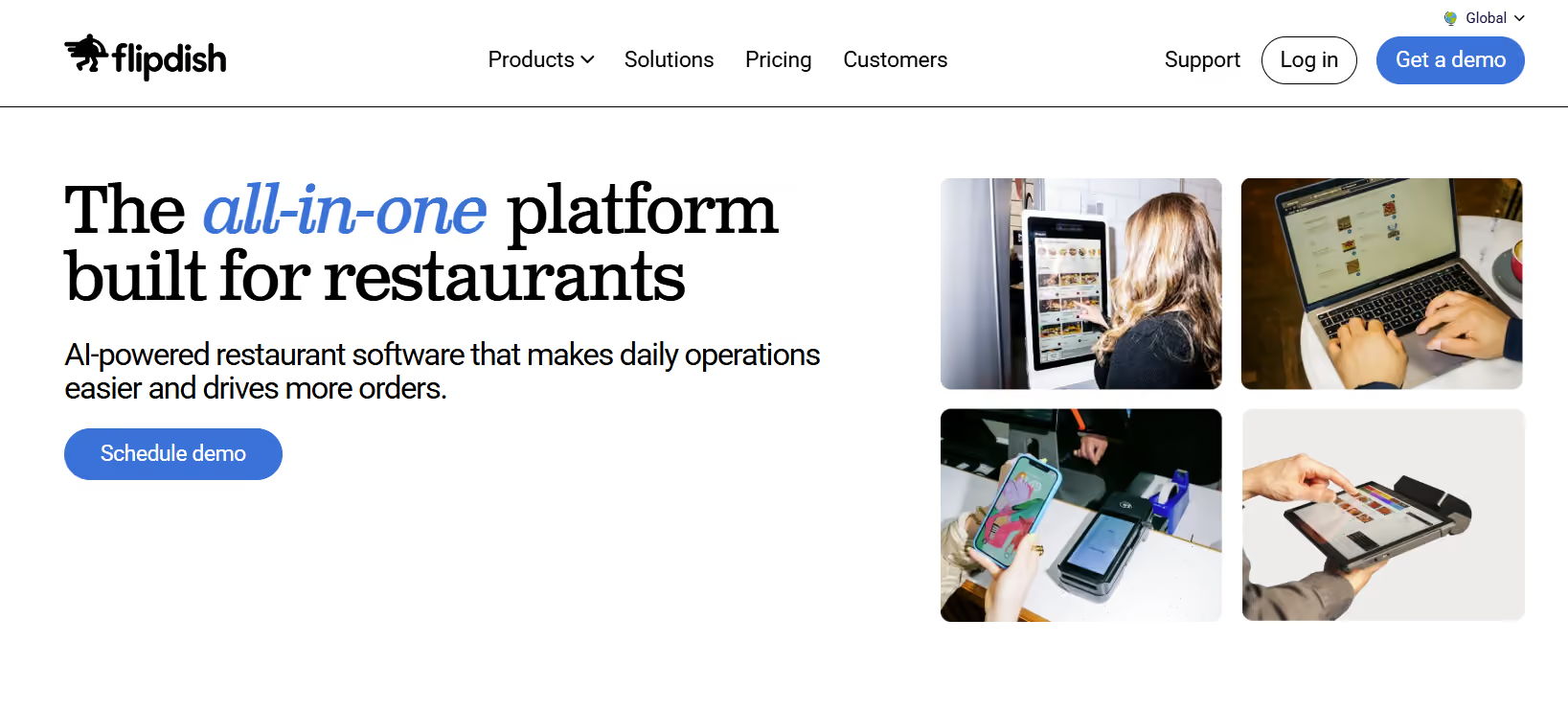
Flipdish is a restaurant ordering and operations platform that enables you to take orders from your own branded website, mobile app, or self-service kiosk.
It comes with a fully integrated POS, which means orders from every channel flow into a single system without double entry or manual reconciliation.
A dedicated onboarding team configures the platform, integrates it with your existing processes, and trains your staff from day one. You also get a customer success manager for ongoing performance reviews and recommendations, backed by seven-day support.
Flipdish key features
- Enable one-click reordering, live order status updates, custom discount vouchers, and a loyalty rewards program embedded directly into the checkout flow
- Spot sales trends, analyze customer behaviour, and identify opportunities to grow revenue and improve margins from a single reporting view
- Automatically send an SMS to your customers to prompt them to order online, freeing up staff and increasing revenues
- Uses predictive sales forecasting to anticipate busy periods, align staff schedules, manage stock levels, and time promotions
- Connect to Flipdish’s network of last-mile delivery partners and offer delivery without building your own logistics
Flipdish pricing
Flipdish ratings and reviews
- G2: Not enough reviews
- Capterra: 4.8/5
Flipdish evaluation snapshot (Total Weighted Score : 3.71)
Which Is the Best Online Ordering System for Your Restaurant?
Your choice ultimately depends on how your restaurant operates and where your biggest operational bottlenecks come from:
- If you want full control over direct ordering, customer data, delivery workflows, and branded ordering channels with flat rate pricing → Restolabs
- If you manage high-volume, enterprise grade operations with complex POS workflows → Lunchbox
- If you want built-in marketplace discovery → ChowNow
- If you want online ordering deeply connected with your POS, kitchen, payroll, and in-store systems → Toast POS
- If you want a managed setup with onboarding support → Flipdish
Each platform solves a different operational problem. The best choice depends on how you handle ordering, fulfillment, customer retention, and delivery across your restaurant.
Done Comparing the Best Online Ordering System for Restaurants? Time to Choose.
By now, you’ve seen what five of the most talked-about online ordering systems actually look like under the hood.
The next step is narrowing your shortlist. You may decide to evaluate two or three platforms more closely, or you may want to test all five depending on how complex your ordering setup is.
Book demos, explore the backend experience, test the ordering flow on mobile devices, and ask each vendor how their platform handles delivery coordination, menu updates, peak-hour order volume, POS integrations, and repeat customer engagement.
If your restaurant depends heavily on direct online orders, repeat customers, and commission-free ordering, Restolabs stands out as one of the strongest options in this list.
From branded ordering websites and mobile apps to delivery management, loyalty tools, customer ownership, POS integrations, and multi-location support, Restolabs brings together the operational capabilities restaurants typically end up managing across multiple disconnected systems.
Whether you run a single-location pizzeria, a cafe or coffee shop, a ghost kitchen, or a growing multi-location restaurant, Restolabs gives you the flexibility to manage online ordering while keeping more revenue in your business.
If you want to explore the platform further, schedule a demo with Restolabs and see how the system works in a real restaurant environment.

Asavari drives content development at Restolabs. With over a decade of experience partnering with fast paced technology and marketing teams, she turns complex product and industry details into clear, meaningful communication for restaurant partners.
Frequently Asked Questions
Yes. Restaurants can continue using third-party delivery marketplaces for customer discovery while using Restolabs to drive repeat customers toward direct ordering and lower commission costs through branded ordering channels.
No. Most restaurants can handle online ordering through a branded website alone. Mobile apps usually make more sense for restaurants with high repeat ordering volume, loyalty programs, or multi-location operations.
The most common issues include delayed menu updates, disconnected POS systems, poor delivery coordination, and order spikes during rush hours. Restaurants handling high online order volume should prioritize systems with centralized order management and throttling controls.
In most cases, yes. Commission-free systems usually charge a flat monthly fee, which becomes more cost-effective as direct online order volume increases.
Restolabs gives restaurants access to customer profiles, order history, and purchasing behavior, which can be used for loyalty programs, promotions, repeat-order campaigns, and customer retention efforts.







.webp)

.svg)
.webp)