
Key Takeaways
- Start with a clear audit of your restaurant’s current inefficiencies before investing in automation.
- Automate what matters most—from online order fulfillment to peak-hour management and feedback collection.
- Reduce labor costs without cutting service quality through smart scheduling, order throttling, and predictive insights.
- Use tech to minimize waste and boost prep speed with tools like KDS, AI inventory systems, and real-time stock tracking.
- Elevate customer experience with seamless reservation management, QR-based table ordering, and personalized loyalty features.
- Unify your tech stack with a solution like RestoLabs, so your ordering, delivery, and data all work together—saving time, improving margins, and delighting guests.
According to the 2024 Square Future of Restaurants report, 100% of restaurant owners said automation improved their operations.
In an industry where costs are climbing, labor is scarce, and margins are razor-thin, automation is becoming the invisible backbone keeping restaurants profitable, consistent, and efficient.
Still, many restaurant owners hesitate. Will it disrupt operations? Is the ROI worth the cost? Can technology truly replace the human touch? The reality is, restaurant automation doesn't replace people; it supports them. It makes your business run smoother, even with fewer hands on deck.
From streamlining tip-outs and optimizing staff schedules to reducing waste and improving the speed of service, automation is about survival and scalability.
Why Restaurants Are Turning to Automation
Restaurant owners are actively looking at ways to ease everyday operations. Here are the major pain points that are solved with automation.
Increase Tip-Outs
Positive employee experience is directly proportional to customer service.
Even a single miscalculation in tip distribution can do more than just frustrate your staff. When they feel shortchanged, morale takes a hit, teamwork suffers, and in the worst cases, you end up losing valuable staff (and sales).
Here, a Point of Sale (POS) system becomes invaluable. Instead of spending time crunching numbers, the system automatically calculates tip-outs based on pre-set percentages. The bartender gets their share, the bussers receive their cut, and servers walk away with exactly what they’re owed—keeping the atmosphere dispute-free.
Automating tip-outs may seem minor, but it eliminates a practical headache and keeps your staff content.
Reduce Labor Costs
Cutting staff isn’t always an option, especially when service quality is on the line. But with minimum wages rising to $20 per hour in states like California and labor making up 30-35% of a restaurant’s total expenses, owners are feeling the financial squeeze. That’s why more restaurants are turning to technology to balance this.
Dave’s Hot Chicken faced rising labor expenses and implemented automated restaurant systems like self-ordering kiosks, QR-based dine-in, automated dishwashing machines, and other tech-driven systems, and saved about $100,000 per location annually.
Also read: How QR-based ordering changes the customer dining experience
Provide Faster And Better Customer Experience
Long wait times, incorrect orders, and overwhelmed staff can quickly turn a hungry diner into a disappointed one, leading to negative reviews and lost sales.
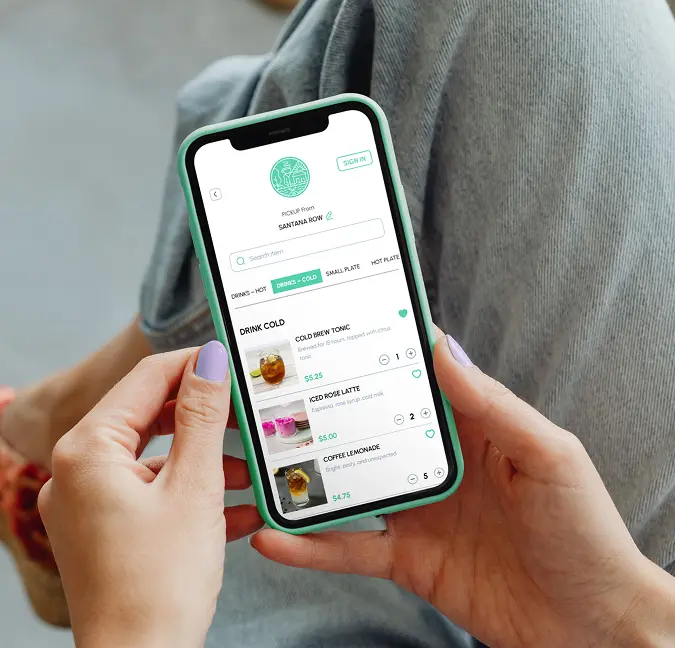
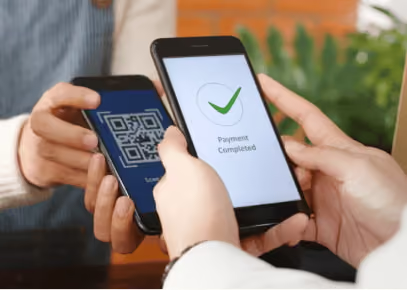
To tackle this, many restaurants are combining QR-code table ordering with other AI-driven solutions to enhance the dining experience. QR codes let guests browse the menu, place orders, and pay right from their phones, reducing staff workload and cutting down wait times.
Some restaurants are also integrating voice assistants in drive-thrus to maintain consistent tone, upsell effectively, and ensure accurate orders. As Park told the Los Angeles Times, AI can help ensure “the voice AI is always positive, has the right tone of voice, has the right word selection, [and] can upsell consistently.”
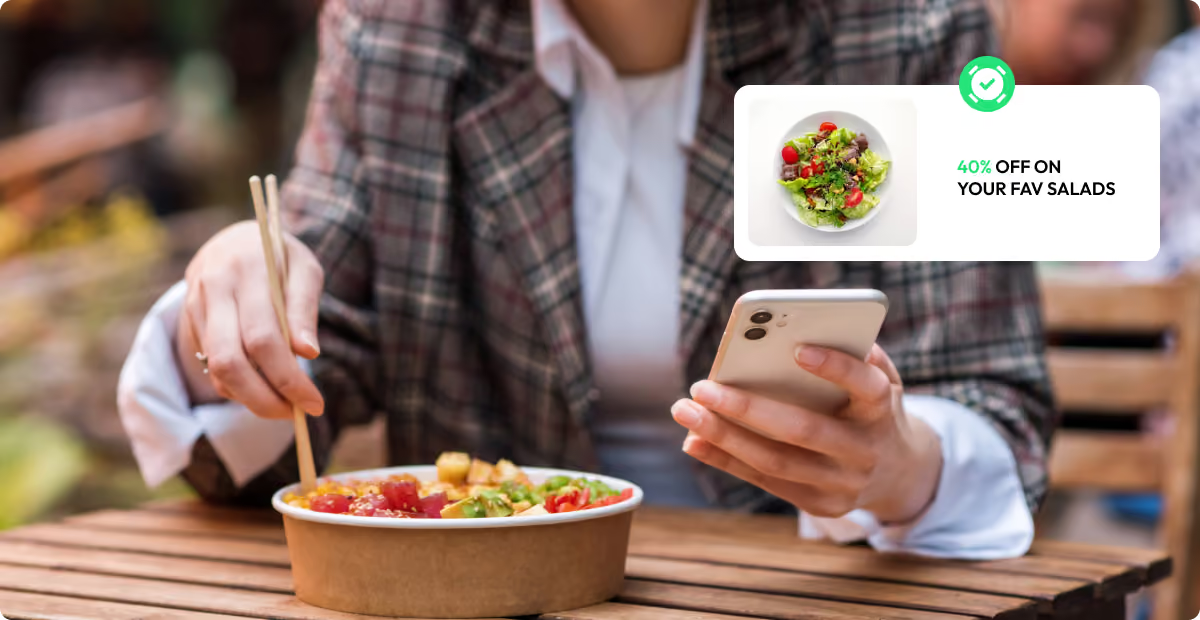
Voice ordering is just one example of how AI can improve the dining experience. You can also personalize your restaurant’s online ordering and offer recommendations to customers based on their preferences.
Minimise Food Wastage
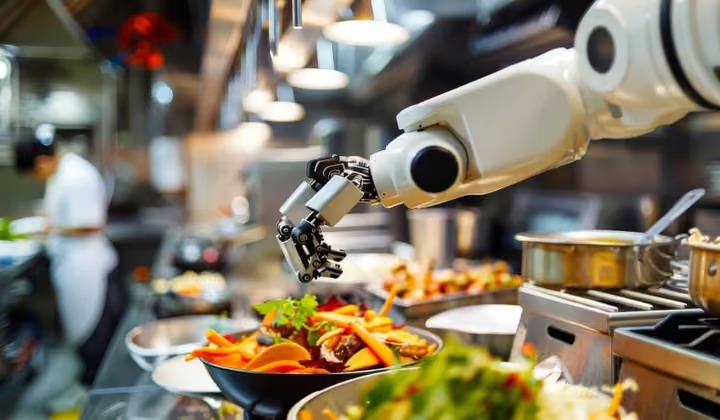
Botinkit claims its robots can reduce food waste by 10%. Unlike human chefs, who might over-portion or make errors, these robotic systems follow programmed recipes with exact measurements. They can automatically stir, flip, and cook meals to perfection, ensuring consistency while using only the required ingredients.
Beyond cooking, AI-powered ordering systems analyze sales patterns and inventory levels to prevent overstocking or shortages, while waste-monitoring tools can track ingredient usage in real time and flag inefficiencies.
With these tools, you can adjust portion sizes or menu offerings, reduce costs and food waste, and offer high-quality meals with every order.
You may be on the lookout to implement automation in your daily operations, but how to automate?
First Things First: Assess Your Current Operations
Not every restaurant needs the same tools. Start by asking:
- Where are the bottlenecks?
Are long wait times frustrating customers? Is your staff drowning in manual order entry?
- What’s the financial impact?
How much money is slipping away due to order errors, food waste, or labor inefficiencies?
- What’s your budget and expected ROI?
Will automation free up staff for better customer service? Will customers like self-service or AI-driven interactions? If not, what practices should be in place?
By answering these, you will identify ways to improve your restaurant operations and ensure restaurant automation is a strategic move rather than just a trendy upgrade.
Once you’ve analyzed them, it’s time to pick the right solutions.
Top 5 Restaurant Automation Areas and Tools
Automation can optimize nearly every part of your restaurant’s operations. Let’s break down the areas:
1. Order Management & Delivery: Optimize The Fulfillment Process
Order errors don’t just slow things down; they cost you money and loyal customers. A single missed or delayed order can affect profits, damage your brand, and impact repeat business.
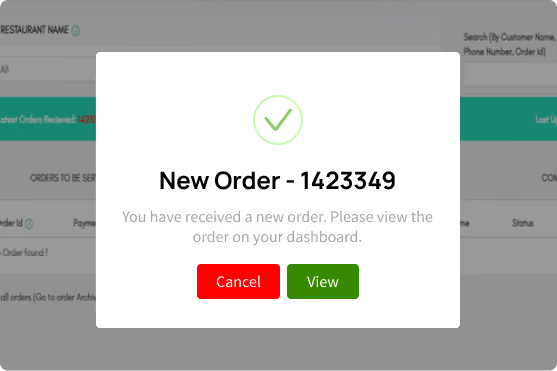
With RestoLabs, every order - whether placed via your website or mobile app - is automatically tracked, organized, and updated in real time. The entire fulfillment process becomes seamless, consistent, and customer-friendly.
Here’s how RestoLabs keeps your orders on track:
- Real-time dashboard to view and manage incoming orders across locations
- Advanced search by order ID, customer name, phone, or email
- Clear order statuses: pending, processing, completed, cancelled, or overdue
- Separate views for pre-orders, dine-in, pickup, and delivery
- Built-in customer messaging to update order status or resolve issues
- One-click printing for in-kitchen or front-of-house workflows
- Role-based access so location managers see only their relevant orders
- Support for pre-scheduled orders and customizable ETAs
- Ability to prompt and enforce tips during checkout
What happens after the order is placed?
RestoLabs instantly checks whether the order falls within your delivery zone using map-based or area-based logic. If you have in-house drivers, it assigns and tracks the delivery through the in-house Odravel or Tookan delivery app keeping your team and the customer fully informed.
During peak hours, RestoLabs can automatically reroute orders to third-party delivery partners like DoorDash and Uber Eats. And if you offer curbside pickup, Flybuy integration alerts your staff as the customer arrives, ensuring a quick and smooth handoff.
Also read: Boost restaurant sales with delivery and Curbisde 2.0
2. Employee Operations: Smarter Flow for Online Orders
Managing your team during rush hours can make or break the customer experience, especially when it comes to fulfilling online orders efficiently. With Restolabs, you gain visibility into peak order times through real-time sales analytics, helping you plan smarter and support your staff during the busiest hours.
To prevent kitchen overload, the built-in order-throttling feature automatically spaces out incoming online orders, giving your team more control, maintaining food quality, and reducing stress.
While RestoLabs doesn’t handle scheduling or payroll, it works seamlessly alongside your other tools and technologies to help you build a more balanced and effective restaurant operation. Many restaurants pair it with staff scheduling tools like 7shifts, Deputy, or When I Work to manage shifts effectively, and payroll solutions like Gusto, ADP, or Square Payroll to keep payments timely and compliant.
By combining RestoLabs with these complementary tools, you can create a well-balanced, efficient operation that supports your team from clock-in to clock-out.
Note: Labor laws can vary widely by state; check out official sources like the U.S. Department of Labor (dol.gov) or your state's labor department for the latest regulations.
3. Kitchen operations: Boost Efficiency in Food Preparation
Efficient kitchens are the backbone of great service—and 63% of QSR diners agree that speed and consistency are top priorities. A Kitchen Display System (KDS) can significantly improve order accuracy and preparation time by showing real-time order updates directly to the back-of-house staff.
Some restaurants are going even further. For example, Chipotle's "Autocado" can cut, core, and peel avocados in just 26 seconds, speeding up prep without sacrificing quality. While not every kitchen needs robotics, technology-driven prep can boost both output and consistency.
Beyond cooking, inventory and supply chain automation drive real kitchen efficiency. AI-powered inventory systems like MarketMan or BlueCart update stock levels in real time, flag shortages, and prevent over-ordering. Predictive analytics help forecast demand and guide smarter purchasing—saving time, reducing food waste, and protecting margins.
You can also consider smart cleaning tools to maintain hygiene and comply with the FDA's Food Safety Modernization Act (FSMA). Solutions like Tersano's SAO Dispenser and Meiko's smart dishwashers automate cleaning routines while reducing chemical usage.
Here are a few operational basics to keep your kitchen running smoothly:
- Design workspaces to reduce unnecessary movement and prep time
- Implement a prep system that anticipates peak hours
- Use inventory software and best practices like the FIFO method (first in, first out) to minimize spoilage. (Read through the tips from this guide to prevent over-stocking or under-stocking.)
Together, these tools and techniques help streamline food prep, reduce waste, and maintain high service standards—even during the rush.
4. Customer Interactions: Serve Every Customer On Time
Reservation no-shows or double bookings lead to wasted capacity in restaurants. Now, you can either punish no-shows by charging fees or encourage show-ups by giving discounts. Automated systems nudge customers to keep their bookings while keeping the restaurant’s tables full.
Automated systems help reduce no-shows by sending SMS or email reminders before the reservation. Some even let customers confirm or cancel with a quick reply so your team can free up the table if needed. And if someone doesn’t show up, the system automatically notifies people on the waitlist so the table doesn’t go to waste.
But what about the diners already waiting for their table?
Smart scheduling ensures you have the right number of staff on hand during peak hours so customers are seated quickly without unnecessary delays. Pair it with QR code ordering to streamline the process.
For instance, Casa Bonita, a renowned restaurant in Colorado, began accepting public reservations through an online system. A virtual line of 50,000 eager diners formed shortly after the system went live. With RestoLabs, you can easily integrate your online reservation system into your website.
Pro tip: Optimizing your customer journey starts with easy ordering and ends with a smooth checkout. RestoLabs does both. Book a demo to find out!
5. Financial Automation: Keeping The Books In Check
At the end of the month, do you know exactly where your profits are coming from—or where they’re leaking out?
From dine-in to delivery to catering, restaurant finances span multiple channels. Manually tracking each one across spreadsheets is not only time-consuming, but also prone to error, especially when complying with accounting standards like IFRS(International Financial Reporting Standards), which require consistent treatment for discounts, rewards, and returns.
That’s where financial automation steps in.
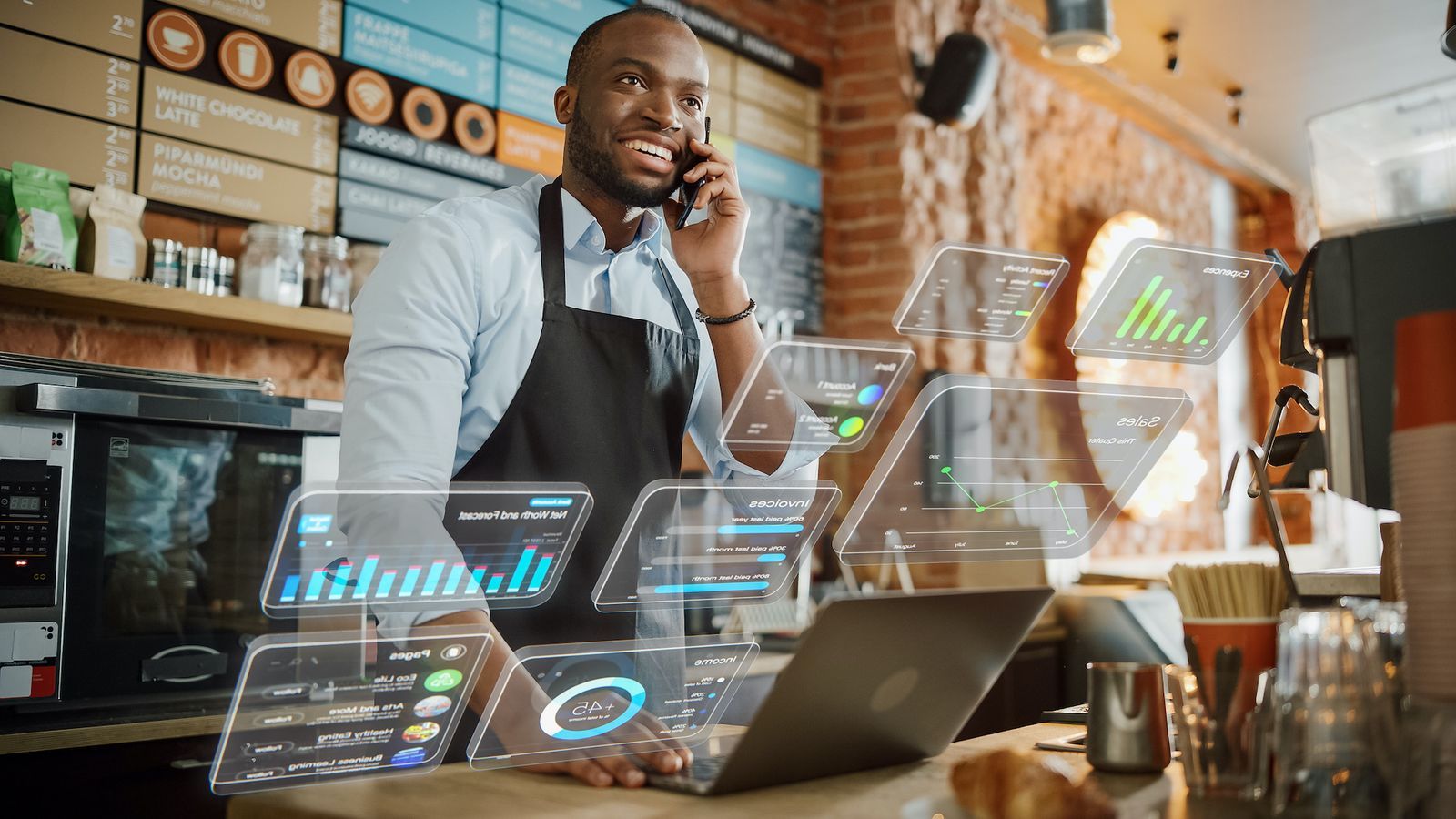
Integrating a smart POS system, like Toast, Square, or others, can help you sync order data, automate revenue reporting, and eliminate manual entry errors. Better still, pair it with accounting software like QuickBooks or Xero for a fully connected, real-time financial view.
Advanced systems go further by using AI-powered analytics to:
- Identify profit drivers: See which services (dine-in, online, catering) bring in the highest margins
- Optimize inventory costs: Track usage in real time and adjust purchasing to reduce food waste
- Evaluate promotions & loyalty programs: Understand whether they create long-term value or short-term spikes
- Streamline labor costs: Analyze shift data to minimize overtime and schedule smarter
Example: Thai Leisure Group saved 56,000+ labor hours in a single year by using AI-powered workforce optimization tools.
You can also connect your POS, online ordering and payroll systems directly, reducing discrepancies and ensuring accurate, timely compensation. And when your restaurant tech stack can sync, like RestoLabs, you get an end-to-end ecosystem that supports smarter, faster decisions at every level.
Choosing Restaurant Automation Tools That Fit Daily Service
Restaurant automation works best when the tools disappear into the shift. If staff still bounce between tablets, re-enter tickets, or call drivers to confirm simple details, the software stack is adding motion instead of removing it. That is why operators should judge each system by one standard: does it shorten the path from order placed to order completed without creating a second job for the team?
A practical selection process starts with the handoffs. Where does an online order land, who touches it next, and which step breaks when the dining room gets busy? The right platform should connect with existing POS, payment, and delivery workflows while keeping menu updates and customer data easy to manage. When those basics are shaky, restaurant automation turns into a patchwork of workarounds.
Rollout matters just as much as feature lists. Smart operators usually start with the workflow that leaks the most time, train one team around it, then expand once the process feels natural. Restaurants that want to see how Restolabs supports connected ordering flows can book a demo and evaluate the fit before layering on more restaurant automation.
How RestoLabs Simplifies Restaurant Automation
Most automation requires stitching together multiple tools. Restolabs offers an all-in-one platform that integrates:
- Online ordering
- Table-side QR code ordering
- Delivery management
- Menu customization
- Customer Engagement and loyalty tools
With centralized dashboards, real-time insights, and scalable features, it’s the easiest way to modernize online ordering without disruption.
Ready to Automate Smarter?
Book a demo with Restolabs and see how automation can simplify your operations, improve margins, and deliver a better experience for every guest.

Sakthi Vignesh is a product and technology leader specializing in scalable solutions for the hospitality industry. As the force behind Restolabs, he focuses on building robust, user-centric platforms that help restaurants streamline operations and grow efficiently. With deep expertise in technology, product strategy, and system architecture, he drives innovation at the intersection of business and tech.
Frequently Asked Questions
AI-powered ordering, self-service kiosks, automated inventory tracking, and cloud-based POS systems are reshaping how restaurants operate.
Automation reduces manual tasks, cuts errors, speeds up service, and frees staff to focus on customer experience.
It helps lower labor costs, reduce waste, and improve consistency, making restaurants more profitable and scalable in the long run.





.webp)

.svg)
.webp)