
Key Takeaways
- Popmenu pricing 2027 goes beyond the base price: While plans start at $179 per month, core workflows like online ordering, delivery, and AI tools sit outside the subscription and add recurring fees.
- Online ordering adds layered charges: Restaurants pay a $50 per month add-on for online ordering, customers pay $1 per order, and catering orders incur a 3% processing fee. Delivery adds $7–$9 per order on top.
- Costs rise quickly as usage grows: SMS caps, AI add-ons, aggregators, and additional locations trigger step increases, making monthly spend unpredictable at scale.
- Multi-location pricing adds another recurring cost: Additional locations can add around $300 per month, which can significantly impact growing restaurant groups.
- Popmenu is marketing-first, not ordering-first: Its pricing is optimized around websites and promotions, with online ordering treated as an add-on rather than a core workflow.
- Flat-fee alternatives offer cost stability: Platforms like Restolabs include online ordering and delivery integrations upfront, keeping software costs stable even as order volume increases.
“Popmenu kept pushing the no-fee online ordering, but the monthly charge is clearly a fee. I didn’t see anything they offered as worthwhile.”
If you’ve looked into Popmenu, there’s a good chance that this Reddit comment sounds familiar. You may have started out looking for a better website, cleaner menus, or stronger marketing. On the surface, the Popmenu pricing plans also looked straightforward.
But once you start mapping features to what you actually use daily, the picture changes. In 2026, Popmenu offers multiple subscription tiers, along with add-ons and bundled features that serve very different needs.
Some restaurants find this structure helpful.
Others end up paying higher monthly fees while still relying on separate tools for online ordering, delivery, or menu control. Here’s proof.
That overlap is also why Popmenu often comes up in comparisons with platforms like Restolabs. It follows a flat monthly pricing model starting at $69, offering direct online ordering, delivery integrations, and unlimited orders with no per-order commission fees.
Restolabs is suitable for restaurants of all sizes. And yes, it also offers a 30-day free trial period!
This article breaks down Popmenu pricing in 2026 the same way you’d evaluate it yourself. You’ll see what each plan includes, what costs extra, and where the pricing model starts to feel restrictive. You’ll also see where Restolabs stands out in this scenario.
What Is Popmenu and Who Is It Really For?
Popmenu is a restaurant marketing platform that charges a monthly subscription for an SEO driven website, an interactive menu, and marketing tools such as email, text messaging, reviews, and promotions.
The interactive menu can feature dish photos and dish reviews, while Google Business Profile sync helps keep restaurant information consistent online. Each dish on Popmenu has its own searchable landing page.
Popmenu is primarily used by restaurants that want help with managing their online presence, customer communication, and front-of-house features like a digital waitlist and reservations from one system.
The platform includes a printed menu designer tool. Popmenu provides 24/7 AI phone answering as an optional feature.
Online ordering is available as an add-on on Popmenu, and delivery depends on third-party services, rather than being a core part of the platform. Popmenu also supports direct integrations with POS, payment, reservation, and gift card providers.
Popmenu Pricing 2027: What Should Restaurants Expect to Pay?
Popmenu pricing follows a tiered subscription model with three standard plans and an enterprise option.
Base pricing
Annual billing is available with a published 10% discount, with discounted plan prices prepaid annually. Contract length and final pricing details are typically confirmed during the sales process. Customers often mention difficulties in canceling their Popmenu contracts.
Therefore, before signing, check the company’s contract terms and what customers report about submitting cancellation requests.
Add-ons pricing (separate pricing)
*Popmenu doesn’t advertise a standard free trial.
Sauce connects direct online orders to drivers with no commissions. BentoBox is a design-focused alternative to Popmenu. Discover detailed performance insights for these Popmenu alternatives.
What’s the True Cost of Your Monthly Bill on Using Popmenu?
Your actual monthly cost depends on which capabilities you use beyond the base subscription and how frequently you use them. Let’s break this down:
Online ordering adds fixed and variable costs
Under Popmenu pricing, online ordering isn’t included in the standard plans and is billed separately. It starts at $50 per month, with an additional $1 fee per order charged to customers. Catering orders also carry a 3% processing fee. For restaurants processing steady online volume, the per-order fees can exceed the base plan price over time.
Multi-location setups increase recurring costs
Additional locations can cost around $300 per month. For restaurants with more than one location, this can add a significant recurring cost as the group expands.
Messaging and marketing tools introduce usage thresholds
SMS access is capped by plan level. Essentials includes up to 500 messages per month, while the Premier plan includes up to 5,000 messages and adds audience segmentation and reputation management.
Once the usage exceeds the monthly cap, these costs are addressed through plan upgrades or add-ons rather than a per-message rate.
Some marketing capabilities also sit outside the base plans. The AI marketing add-on, for instance, is priced at $300 per month, adding a fixed line item for restaurants that want automated marketing support.
Add-ons create separate, recurring line items
Several commonly used tools aren’t included in the subscription:
- AI answering starts at approximately $150 per month
- Order aggregator access adds $100 per month
- One-time onboarding is billed separately at $1,300
Other services, including paid advertising support and professional photography, are offered through custom pricing and aren’t listed publicly.
With Popmenu pricing, once a mid-tier subscription is combined with online ordering, one or two add-ons, and moderate order volume, the final monthly spend can differ substantially from the plan price shown on the pricing page.
Popmenu Pricing 2027: What Could a Sample Monthly Cost Look Like?
Let’s assume the following setup to understand how Popmenu pricing works in a real-world scenario:
Restaurant setup
Restaurant profile
- 1 restaurant location
Popmenu plan
- The restaurant subscribes to Popmenu’s mid-tier Essentials plan at $299 per month.
- This plan includes:
- A branded restaurant website
- Digital menus
- Core marketing tools
- Capped at 500 SMS messages per month
- Email marketing, including mass email campaigns, plus social media marketing tools to create and post content
- Up to six AI-crafted emails and social posts
- A centralized marketing calendar and performance reporting analytics
Online ordering add-on (fixed fee)
Online order volume (for context)
- Assume: The restaurant uses online ordering to process approximately 30 online orders per day.
- 30 × 30 = 900 orders per month
Calculation
Monthly total (paid by restaurant to Popmenu)
Annual cost
Actual revenue made by Popmenu through the restaurant:
This distinction highlights how the economic impact of the pricing model extends beyond the listed subscription fee, particularly for restaurants that rely heavily on online ordering.
What changes this number
This $349 monthly software cost only holds if all of the following remain true:
- SMS usage stays under 500 messages per month
- No additional locations
- No AI marketing add-on
- No AI answering
- No aggregator integration
- No delivery fees passed through the system
Each of the following immediately changes the math:
For example, adding an AI marketing add-on and an order aggregator increases the monthly cost to $749 per month.
Why Does Restolabs Pricing Stay Predictable?
After breaking down how Popmenu pricing works in real usage, it helps to look at a platform built around flat monthly fees and fewer moving parts.
Restolabs is built around direct ordering and commission free online ordering, with a fixed monthly subscription that includes delivery integrations by default.
This makes it easier to estimate monthly costs upfront, especially if you’re a restaurant owner who wants ordering volume and customer outreach to grow without per-order commissions or usage-based thresholds.
Restolabs pricing at a glance
Restolabs offers three subscription plans:
- $69 per month for Basic
- $99 per month for Growth
- $199 per month for Pro
All plans include unlimited orders and a 30-day free trial, so you can explore its full suite of features risk-free. Annual billing is also available at a discounted rate.
What’s included in Restolabs plans
- Basic covers core online ordering needs, including mobile-friendly ordering, secure payments, real-time order notifications, built-in loyalty, customer analytics, unlimited menu items, and unlimited orders.
- Growth adds operational features such as SMS and printer alerts, menu stock tracking, table QR ordering, tablet notifications, advanced promotions, and delivery integrations with services like DoorDash, Postmates, Shipday, and Uber Direct.
- Pro is intended for restaurants with more complex setups or multiple locations. It includes everything in Growth, along with extended POS integrations through Checkmate and loyalty integrations with platforms such as Como, NTouch, and EZ Solutions.
Popmenu vs Restolabs: Pricing and cost structure comparison
The table below puts Popmenu and Restolabs side by side, enabling you to see where your money goes over time:
Popmenu or Restolabs? The Trade-Off to Keep in Mind
Once you strip away plan names and feature lists, the difference between Popmenu and Restolabs comes down to how each platform treats growth.
Popmenu pricing 2027 is organized around marketing access, usage caps, and add-ons. As orders, messaging, and engagement increase, costs tend to change in steps. Your monthly bill reflects how much of the platform you unlock and how often you cross predefined thresholds.
Restolabs treats online ordering as a core workflow. Plans start at $69 per month and include unlimited orders, delivery integrations, and ordering tools upfront. As order volume increases, the software cost stays the same.
You can also use Restolabs to control more of the ordering experience end to end.
That includes branded online ordering sites, customizable menus, and checkout flows aligned with your restaurant’s identity rather than a cookie cutter template. Payment integrations support cards, cash, and digital wallets, giving your customers familiar options at checkout.
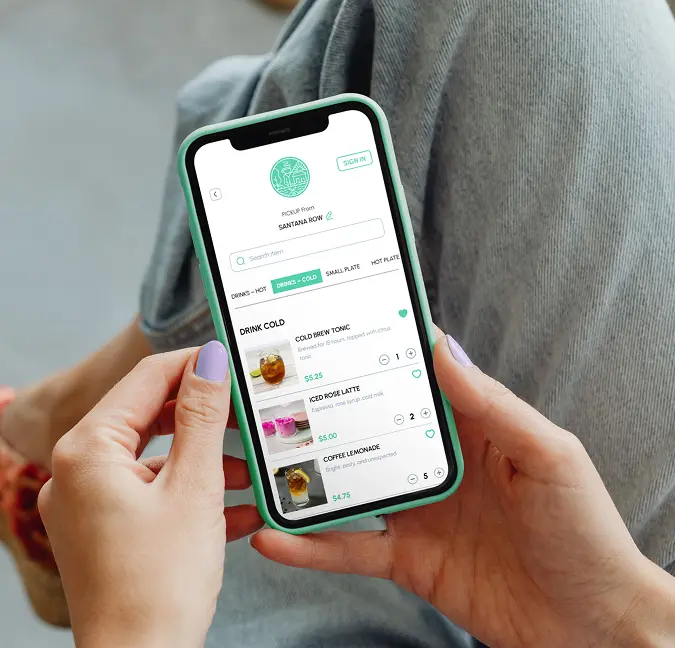
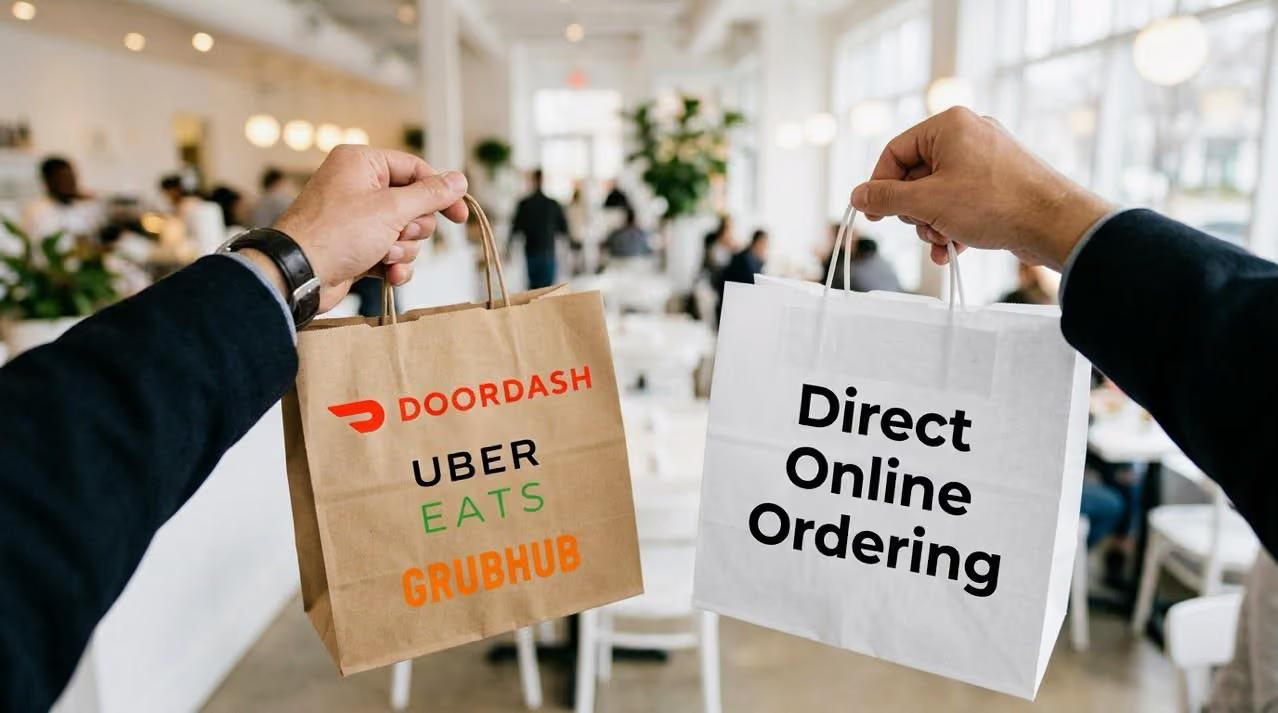
Delivery management across multiple fulfillment paths is also a breeze with Restolabs. You can route orders through third-party delivery services like DoorDash, Uber Eats, and Postmates, or handle delivery with your own fleet, without being locked into a single provider.
Moreover, Restolabs includes loyalty programs, coupons, promotions, customer analytics, and multi-location management in all pricing plans. You can engage repeat customers and manage multiple locations without upgrading just to access these features.
That pricing and flexibility also show up in customer feedback.
Tinku Saini of Tarka Indian Kitchen, a multi-location restaurant in the US, says: “There were other options, but I opted for Restolabs given its price point and that it came recommended to me. The branding and ease of integration were also key factors.”
The distinction matters if online ordering is a primary revenue channel for your restaurant. If you want to see how Restolabs works in reality, book a demo today.

Asavari drives content development at Restolabs. With over a decade of experience partnering with fast paced technology and marketing teams, she turns complex product and industry details into clear, meaningful communication for restaurant partners.
Frequently Asked Questions
Yes. Popmenu does not charge third-party marketplace commissions, but online ordering typically includes transaction-based fees. These commonly include a $1 per-order fee charged to customers and a 3% processing fee for catering orders. These charges scale with order volume.
If online ordering is the primary requirement, platforms with flat monthly pricing tend to cost less over time than tiered, add-on-based models. Restolabs is one such option. Plans start at $69 per month and include unlimited online orders with no per-order or percentage-based fees. Costs remain stable as order volume increases.
Yes, if your primary need is online ordering. Restolabs can replace Popmenu because it’s built as a complete online ordering system. It covers menus, branded ordering pages, payments, delivery integrations, loyalty programs, and multi-location management within one subscription. Popmenu focuses more on marketing features, such as website presentation, reviews, and promotional tools. Online ordering is available, but it sits alongside those features rather than at the center of the platform.








.webp)

.svg)
.webp)